The collection
One face.
Many hands.
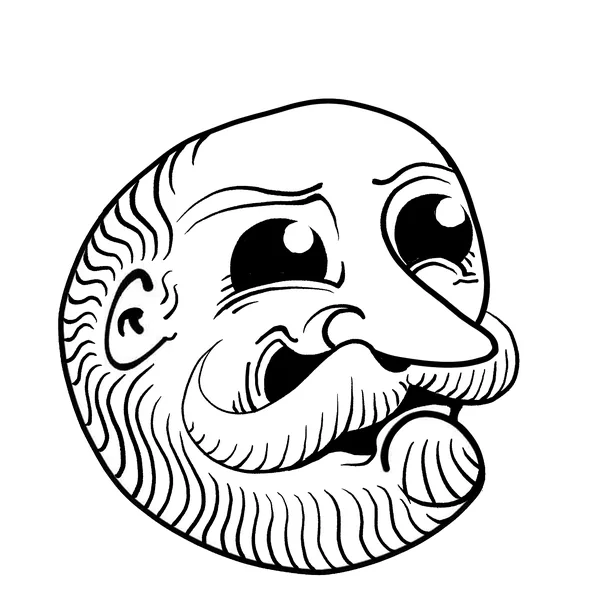
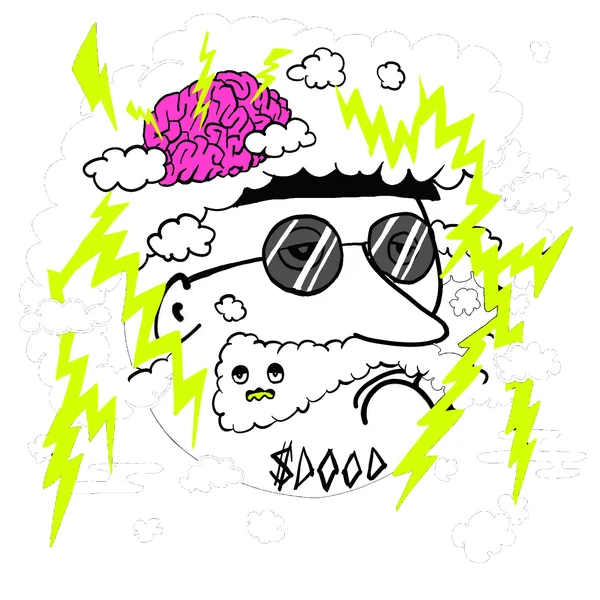
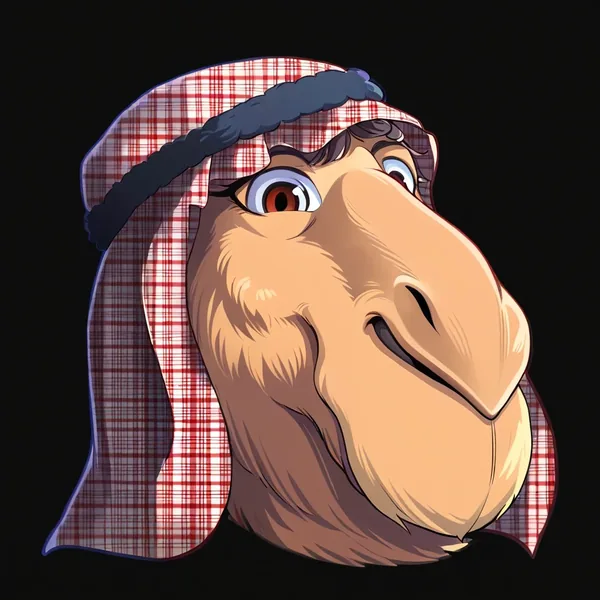
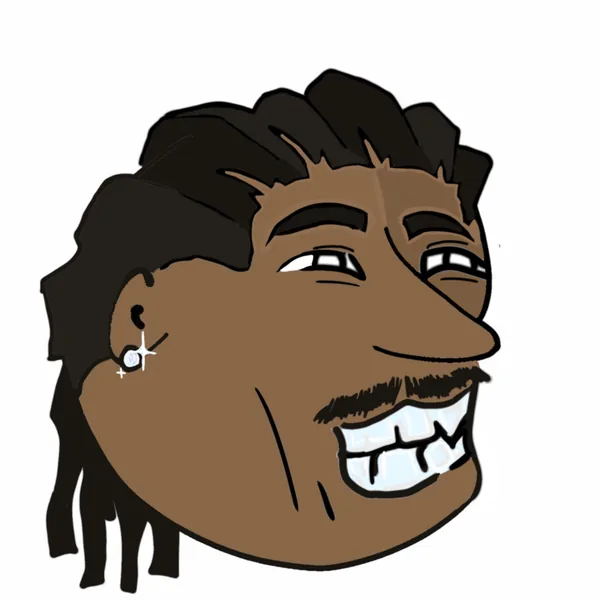
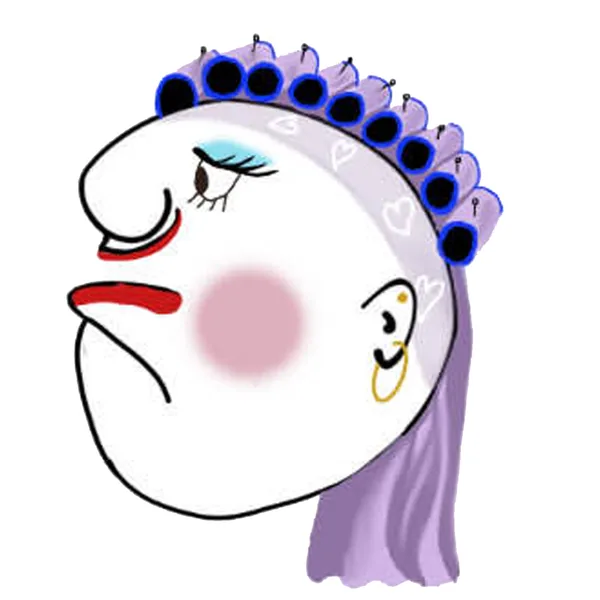
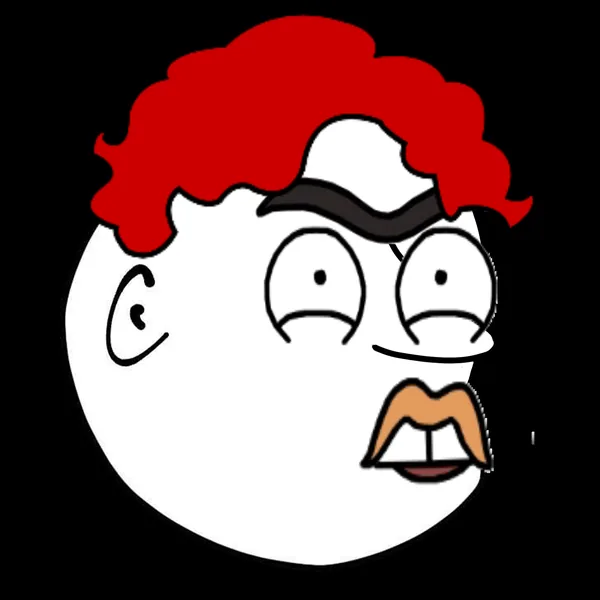
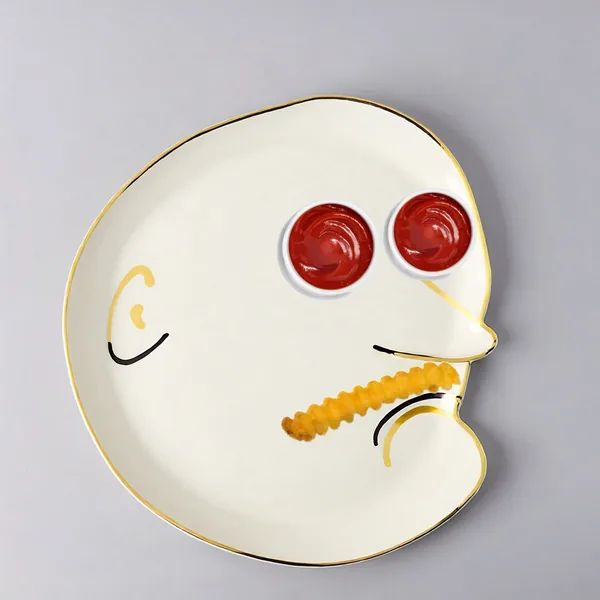
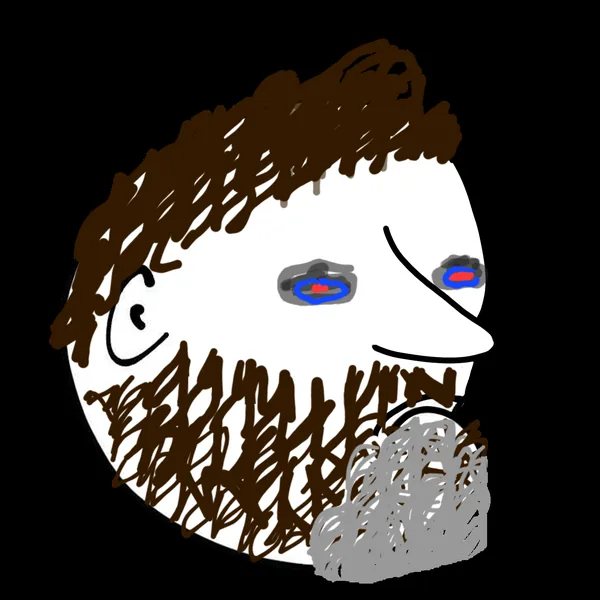
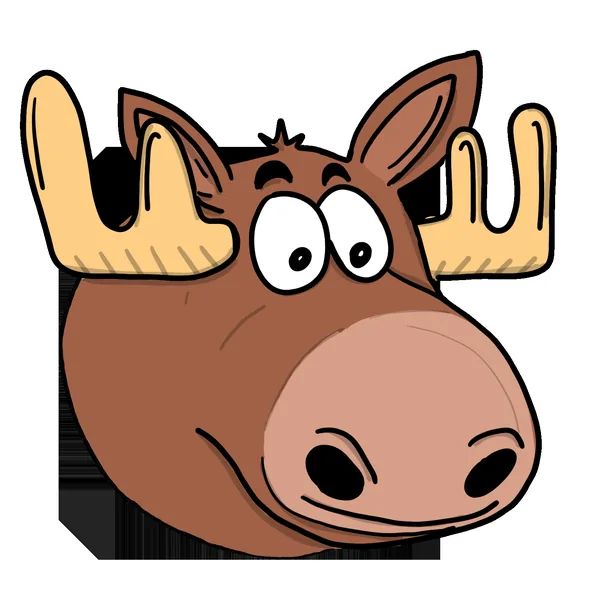
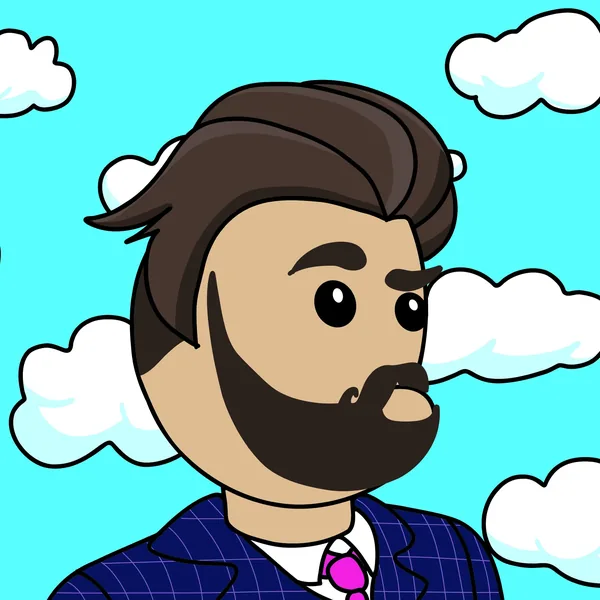
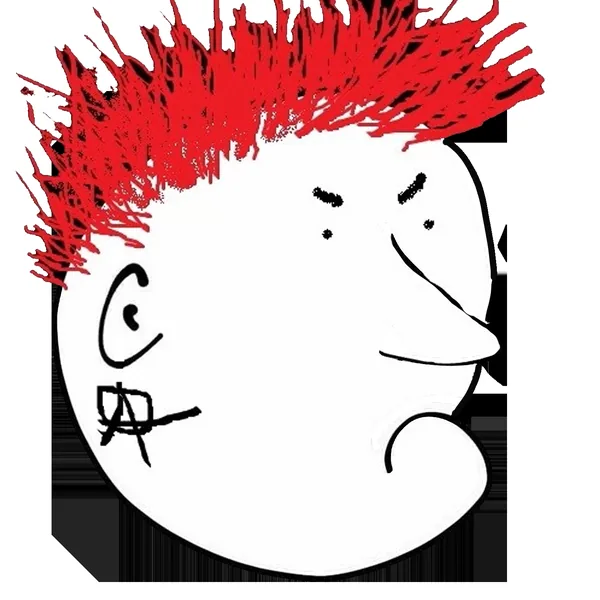
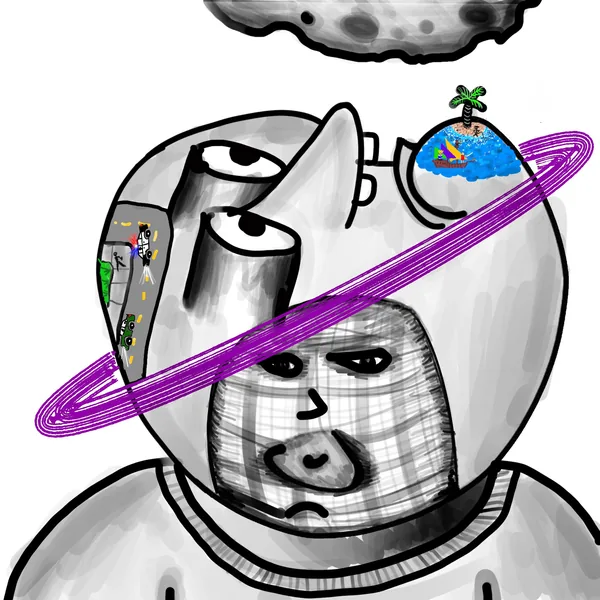
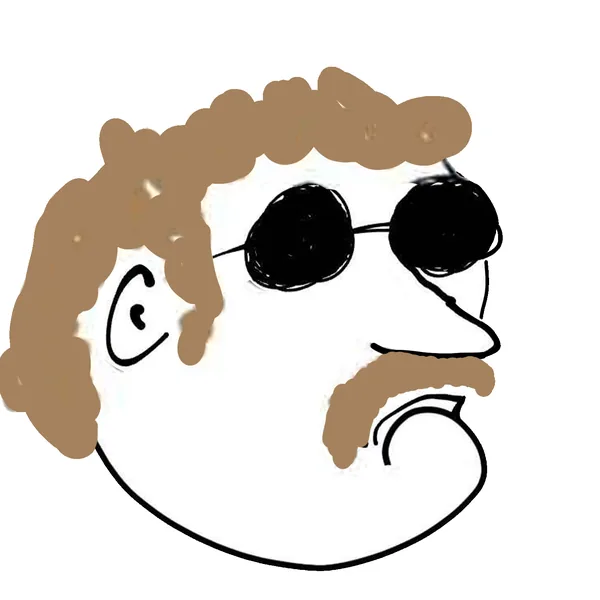
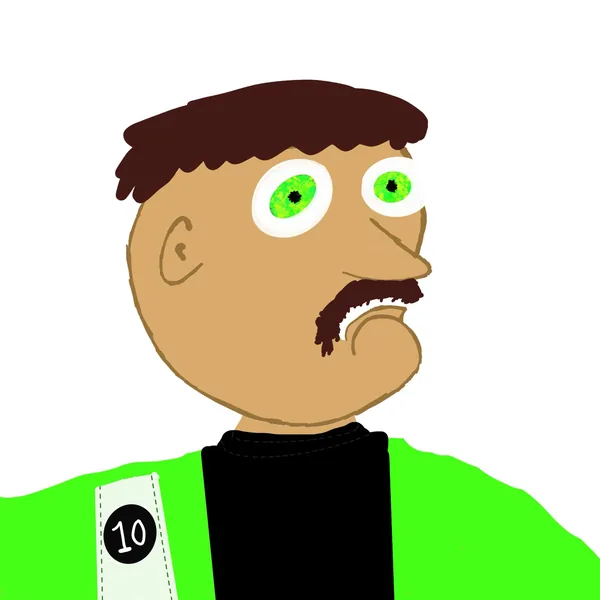
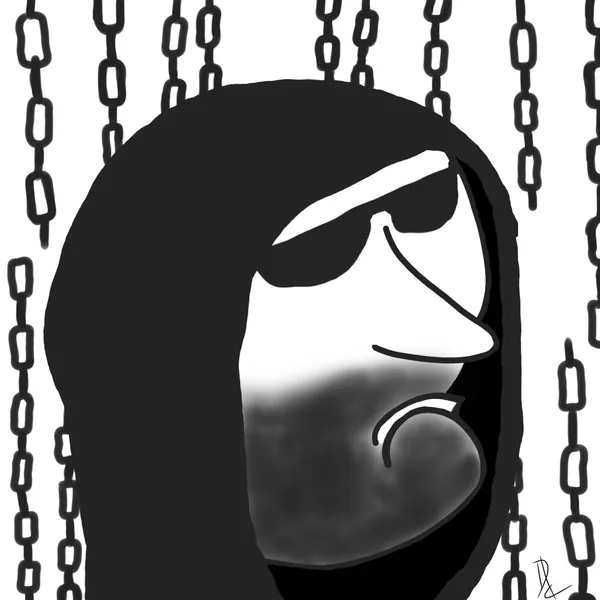
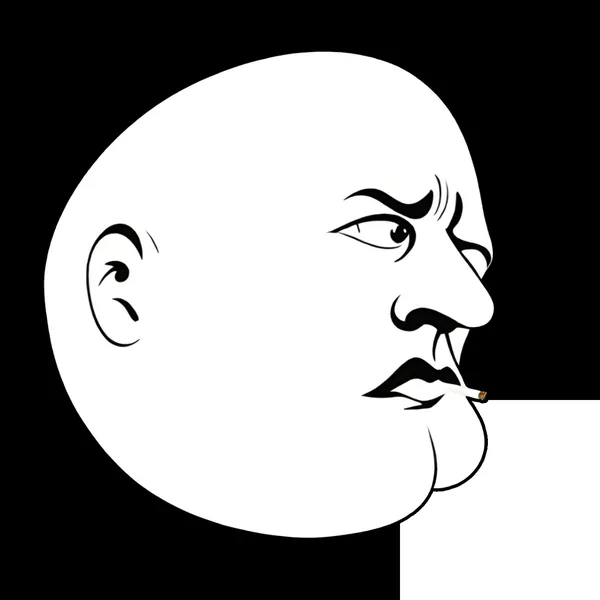
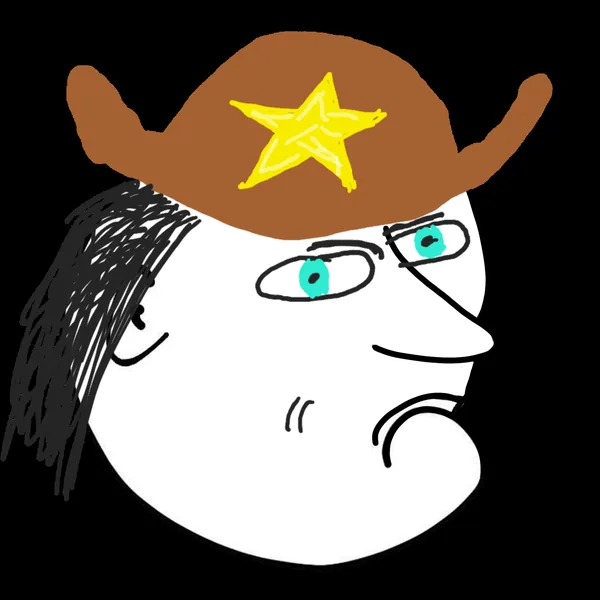
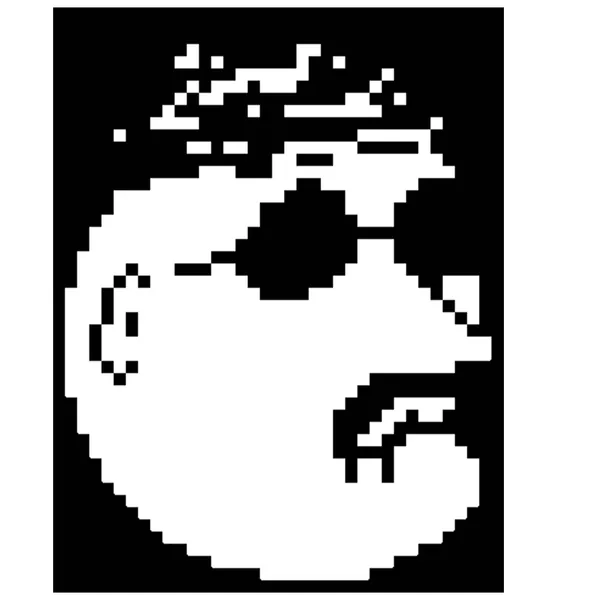
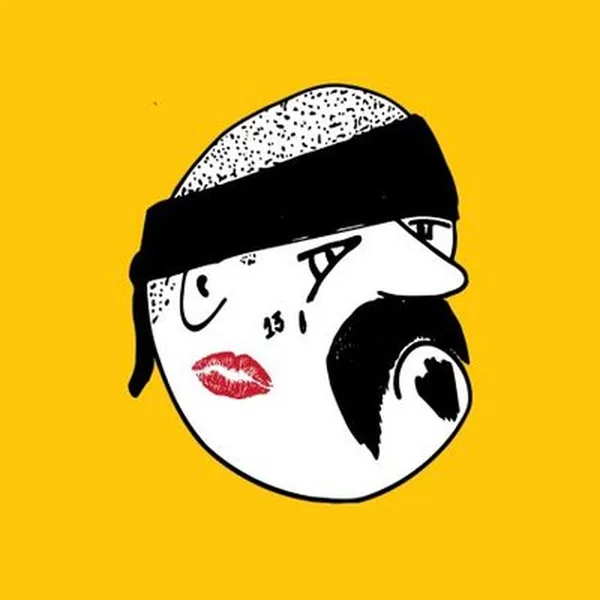
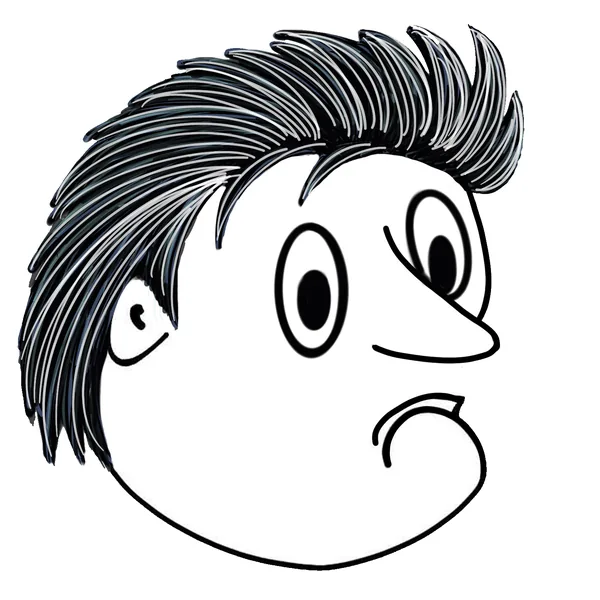
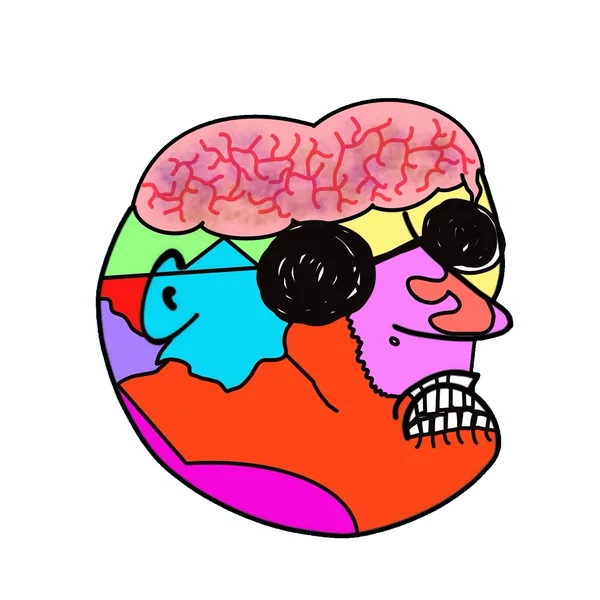
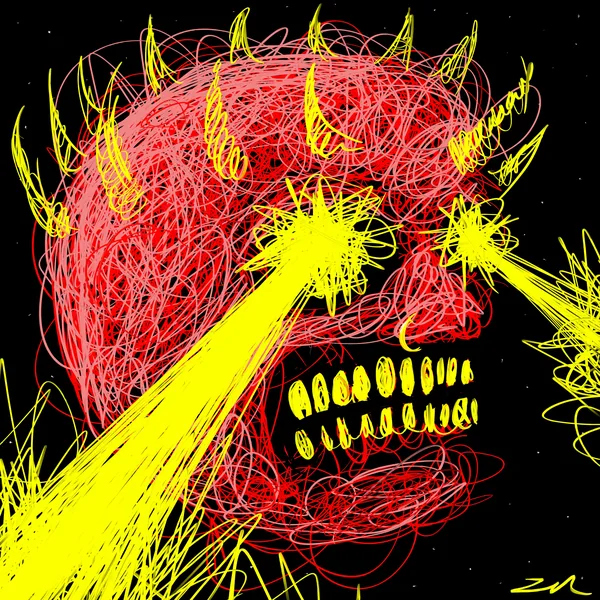
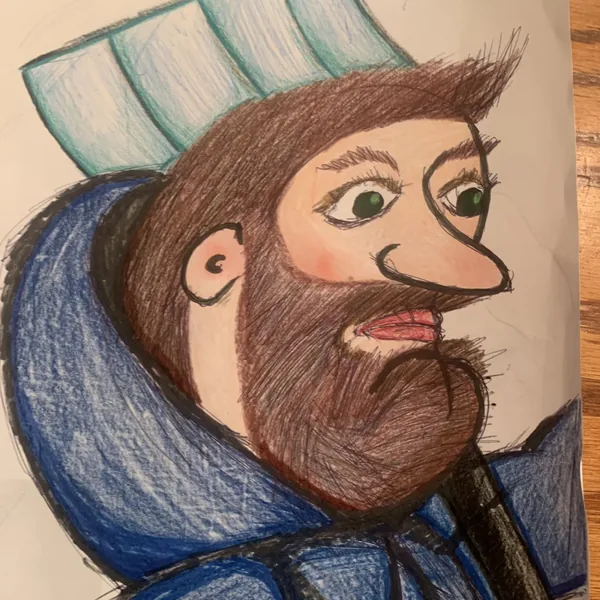
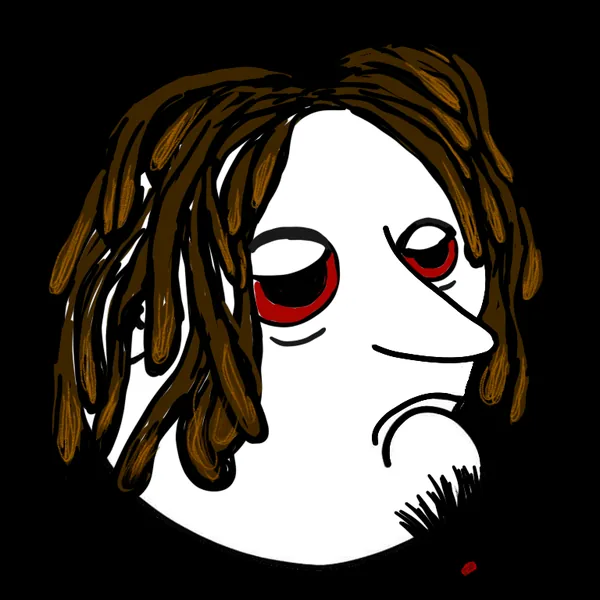
A Noggin is the Dood face as somebody else sees it. Same starting point every time — and no two have ever come back looking alike.
The same character, 24 ways
Drawn by the people on the wall
Every one of these started from the same blank face. Tap any of them to meet the artist who drew it.
How it works
You draw it. We mint it. It’s yours.
Draw a Dood face
Start from the blank Dood or Doodette face and make it yours. The Noggin Maker does it in the browser — a face is already on the canvas when it opens, so you can shuffle it, swap the pieces and draw over the top. Or work the way you already work: hand-drawn, digital, pixels, paint, collage. There has never been a house style, which is the point.
Send it in
Email it or bring it to Discord. No tooling to set up, no wallet knowledge needed to start.
We mint it on the XRPL
It gets minted on the XRP Ledger and sent to your wallet. You did the work; you hold the token.
Keep it or sell it
It is your art and your call — hold it, or list it as part of the collection on XRPL Home.
No pens required
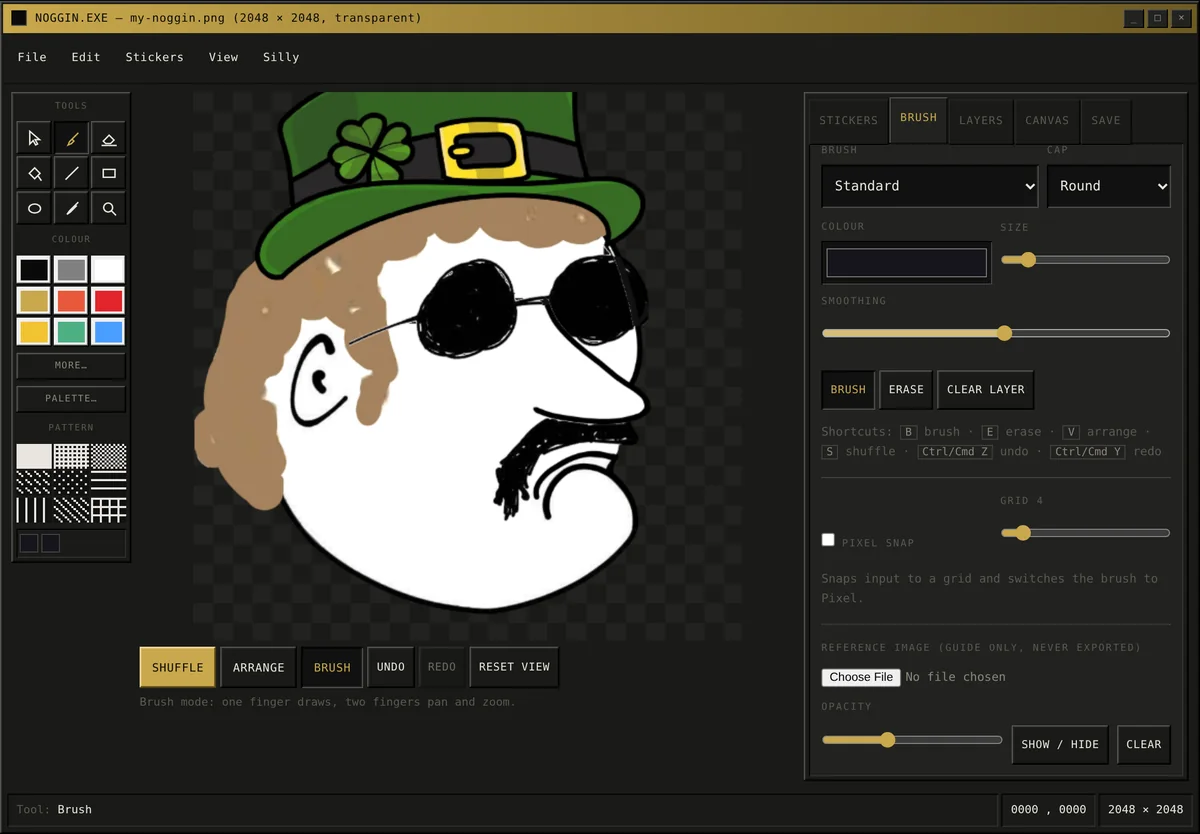
Draw one in the browser
The Noggin Maker opens with a face already on the canvas. Shuffle it, swap the hair, the eyes and the mouth, draw over the top, then save a transparent PNG. It works on a phone, nothing is uploaded, and there is no account and no wallet to connect.
Royalties
Where the 20% goes
Every Noggin carries a 20% royalty on secondary sales. It is split three ways, and the split is written in rather than decided later.
Half of every royalty goes to Voices for Children.
New projects, giveaways and collaborations.
$dOOd sent back to the issuer, gone for good.
Royalty terms are set per collection on the XRP Ledger. How the giving works →
Want to draw one?
Anyone can. You don’t need to be a professional, you don’t need a following, and you don’t need to own anything first. Open the Noggin Maker and there is already a face waiting — change whatever you like, save the PNG, send it in. We’ll take it from there.
Everything you need is in one place
The blank templates, the browser tools, how to send art in, and where finished work has ended up.